




Enterprise Context

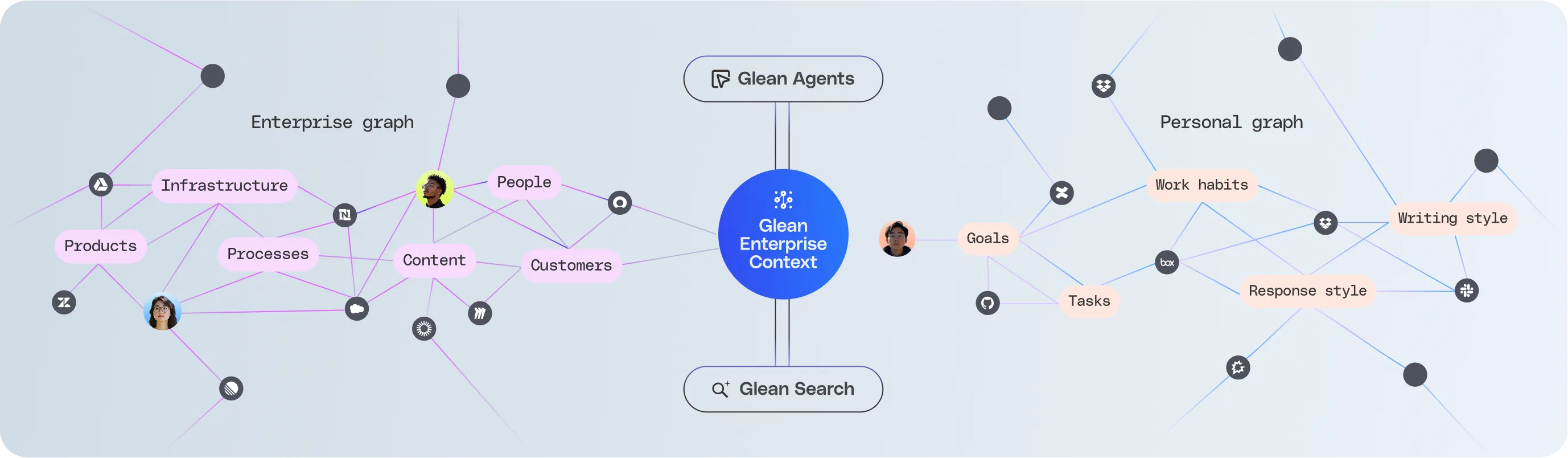
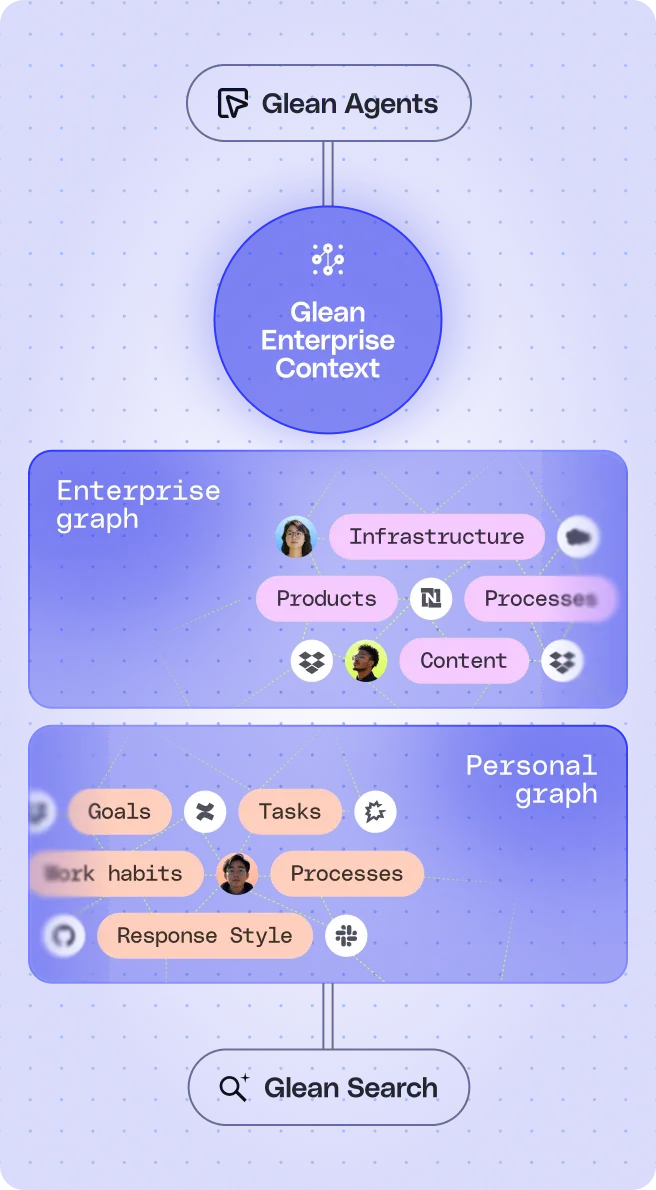
実務を担えるAIの基盤となるのはコンテキストです。Gleanは、企業内シグナルを取り込むコネクター、データをインデックス化する検索基盤、情報同士の関係性を可視化するEnterprise Graph、業務プロセスを学習するエンタープライズメモリを提供します。これにより、業務自動化に必要な完全なコンテキストを備えたプラットフォームを実現します。

Glean Enterprise Contextを見る
Diagram showing Glean Enterprise Context connecting Enterprise graph with nodes like Infrastructure, People, Content, Customers, and Products, and Personal graph with nodes like Goals, Tasks, Work habits, Writing style, and Response style.Diagram showing Glean Enterprise Context with two interconnected graphs: Enterprise graph with Infrastructure, Products, Processes, and Content, and Personal graph with Goals, Work habits, Tasks, Processes, and Response Style.
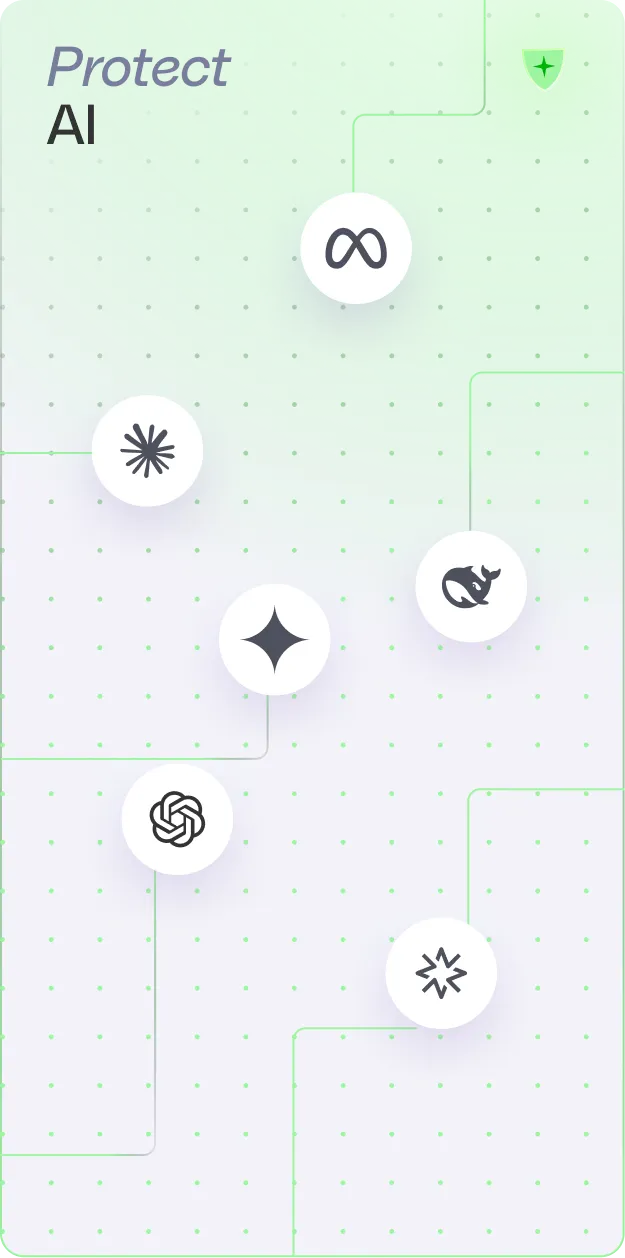
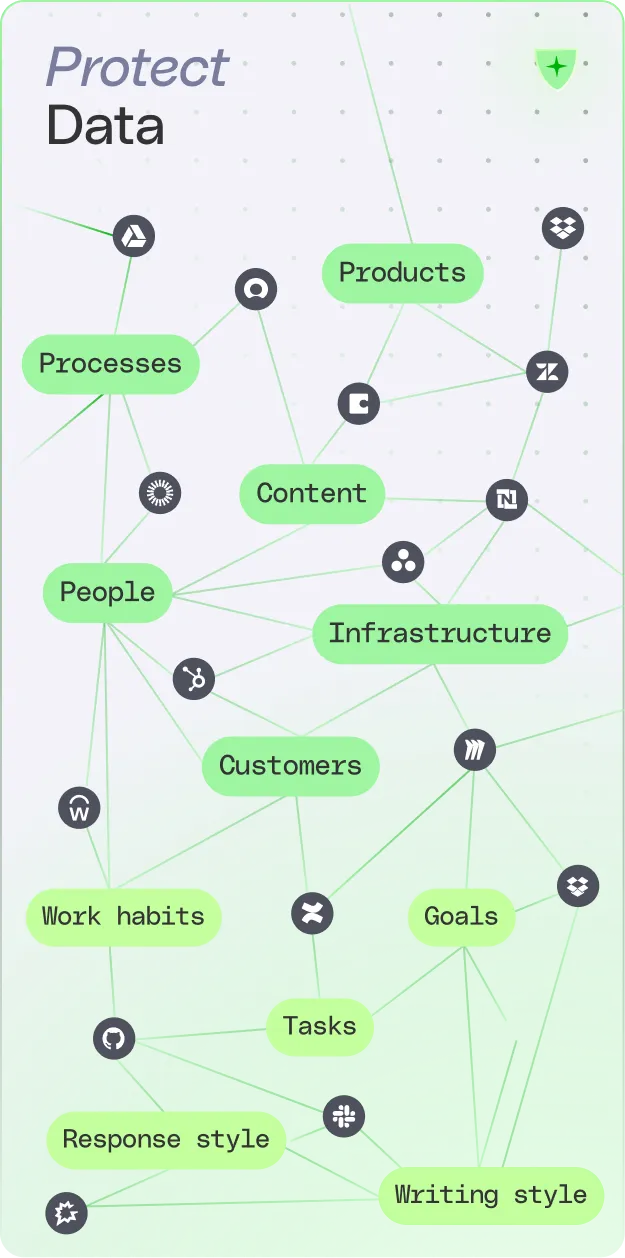
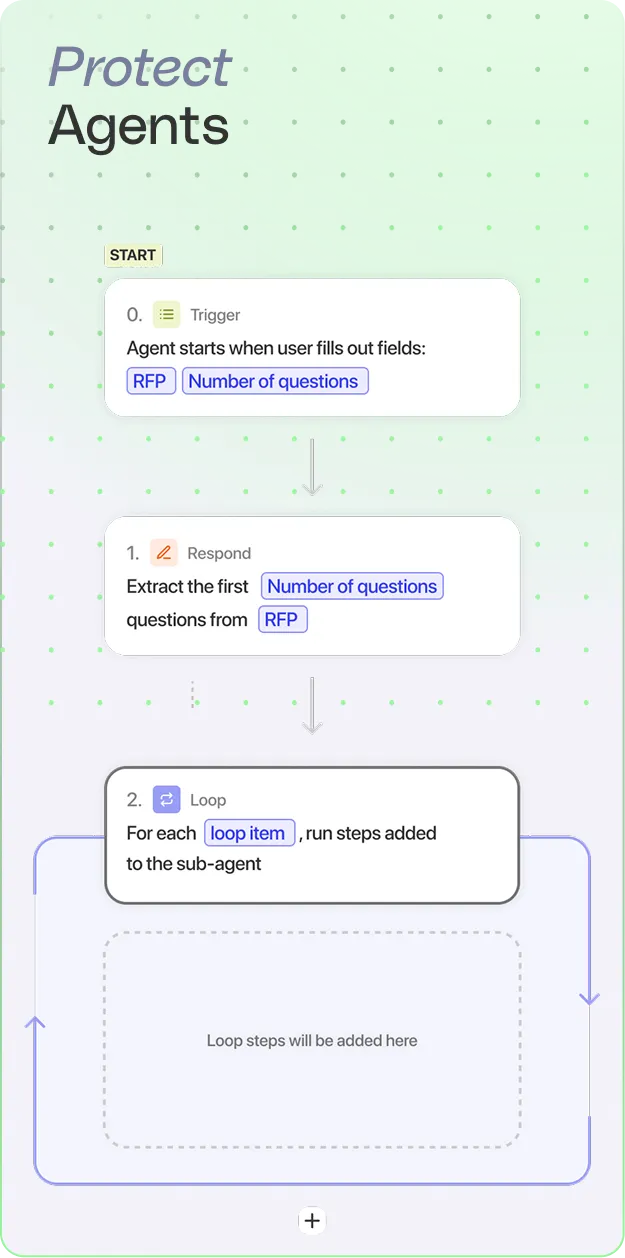
Green gradient background with the text 'Protect AI' and six white circles containing logos of AI companies like OpenAI and Meta connected by thin green lines.Diagram illustrating data protection with interconnected elements including Processes, Products, Content, People, Infrastructure, Customers, Work habits, Goals, Tasks, Response style, and Writing style.Flowchart showing Protect Agents steps: Start with trigger when user fills RFP and Number of questions, respond by extracting first Number of questions from RFP, then loop through each loop item running steps added to the sub-agent.

Glean Protect

コンテキストは強力だからこそ、確実な保護が必要です。Gleanはシングルテナントクラウド環境で稼働し、機密情報を保護しながら厳格な権限管理を適用し、AIエージェントのすべてのアクションを検証します。データの安全性とAIエージェントの信頼性を両立します。
Glean Protectを見る
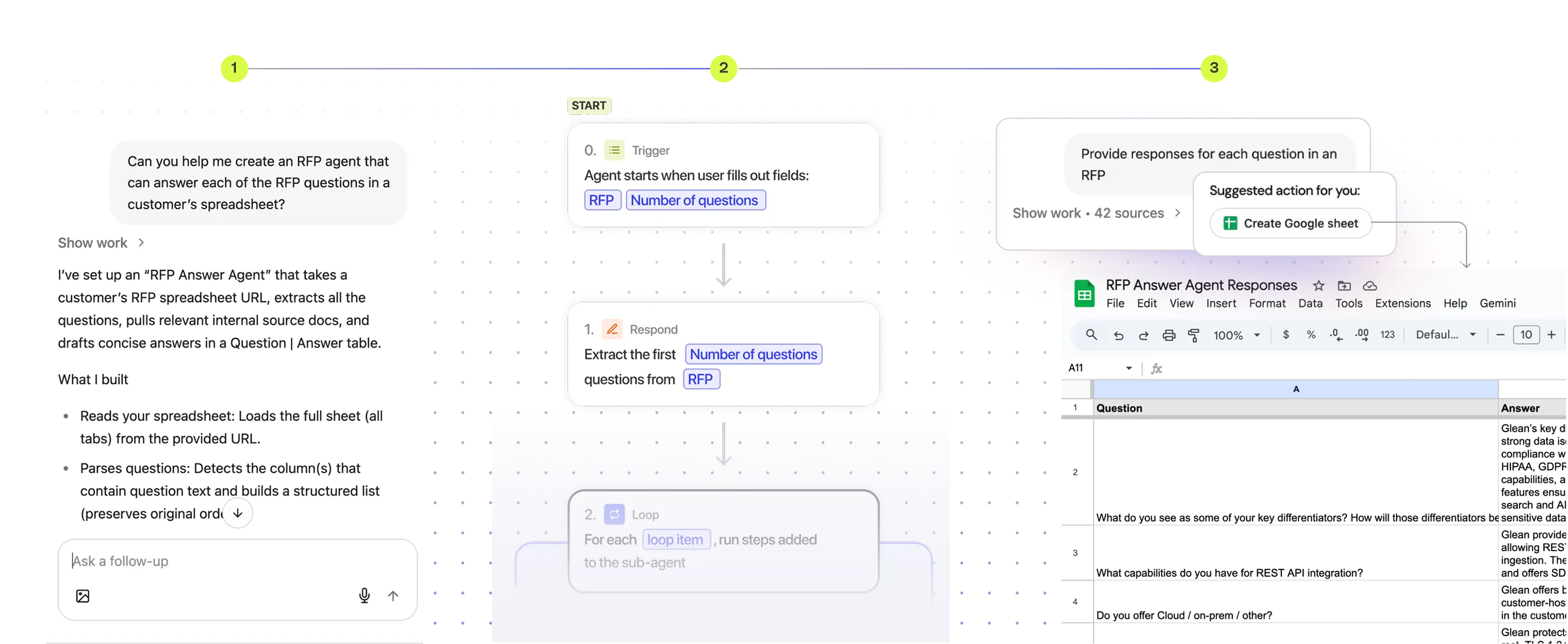
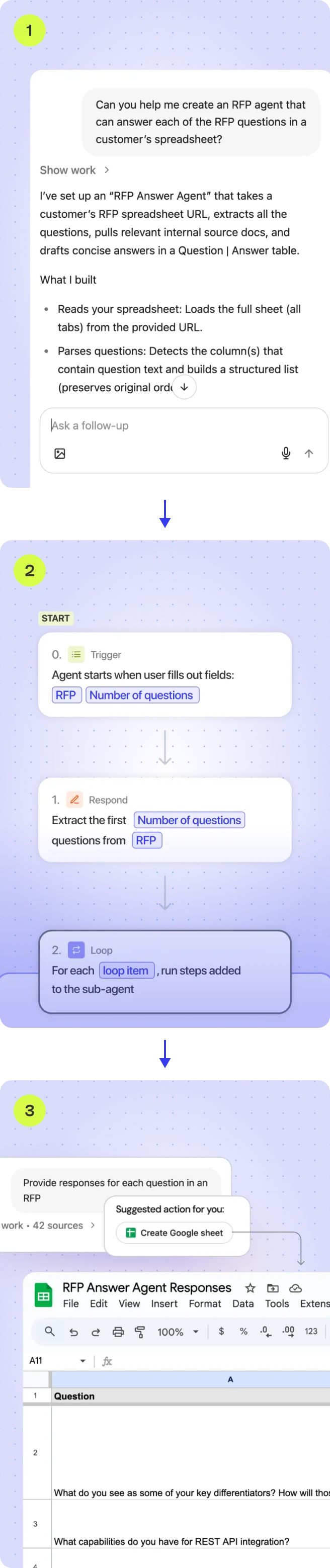
Workflow diagram showing an RFP Answer Agent setup: user triggers the agent by providing RFP and number of questions, agent extracts questions, loops through each question, and inputs responses in a Google Sheet labeled 'RFP Answer Agent Responses'.Three-step flow showing setup of an RFP Answer Agent: 1) Setting up agent to read and parse spreadsheet questions; 2) Flowchart with trigger on filling RFP and question count, response extraction, and loop through items; 3) Google Sheet titled 'RFP Answer Agent Responses' displaying question columns and sample text.

Glean Agents

AIエージェントにタスクを与えると、コンテキストと推論を活用して業務を自動化します。Gleanは実行時にエージェントの動作を制御し、指示に従い、最後まで処理を完了し、精度を維持できるよう支援します。実務レベルの業務を安定して遂行します。

Glean Agentsを見る

Open Platform

データを一度インデックス化すれば、GleanのオープンAPI、UI対応Web SDK、ヘッドレスMCPサポートを通じてあらゆる環境で活用できます。さらに、AIスタックの進化に対応できるよう、マルチクラウド対応、柔軟なモデル選択、統合セキュリティパートナー連携を備えています。
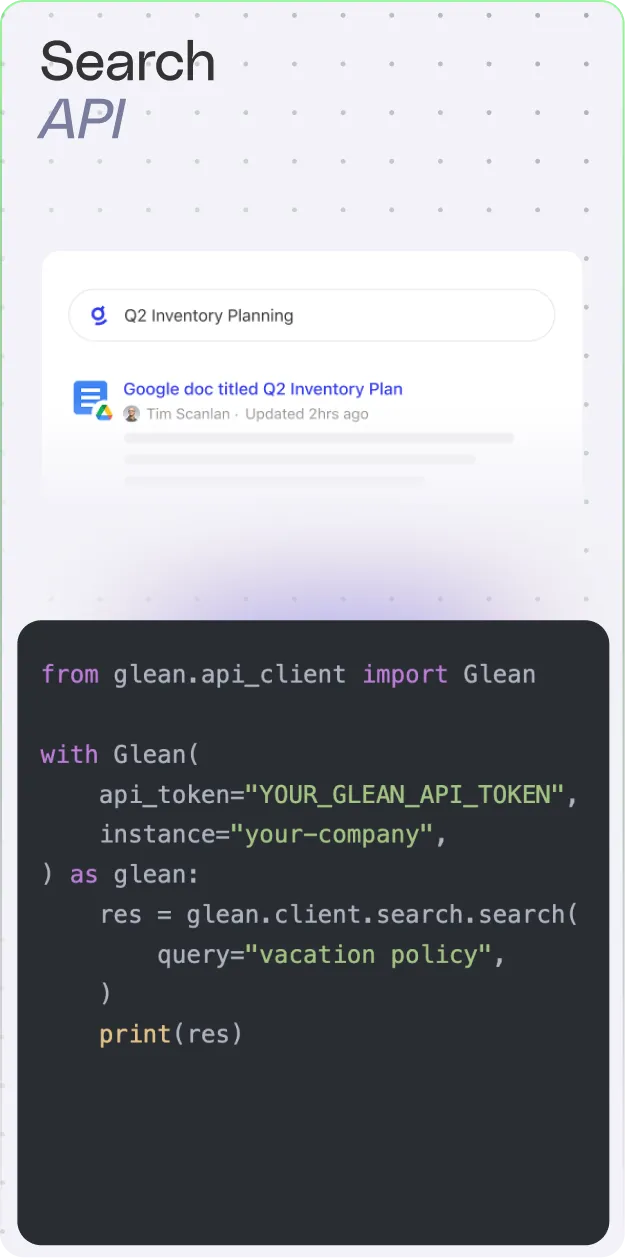
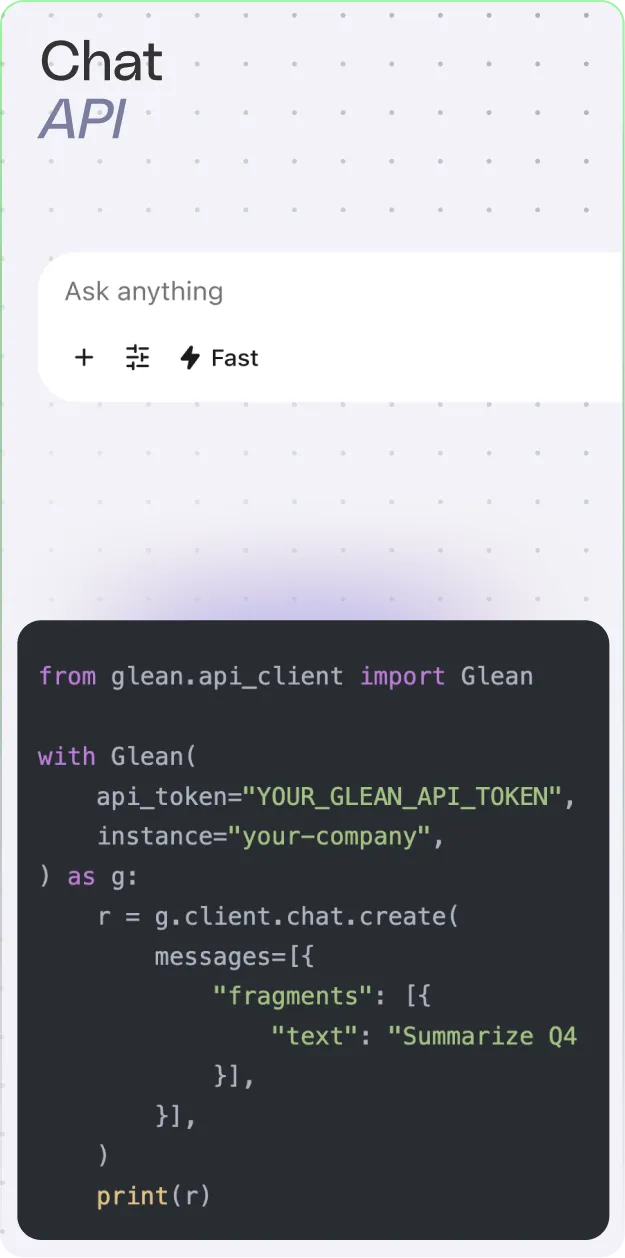
Glean APIsを見る
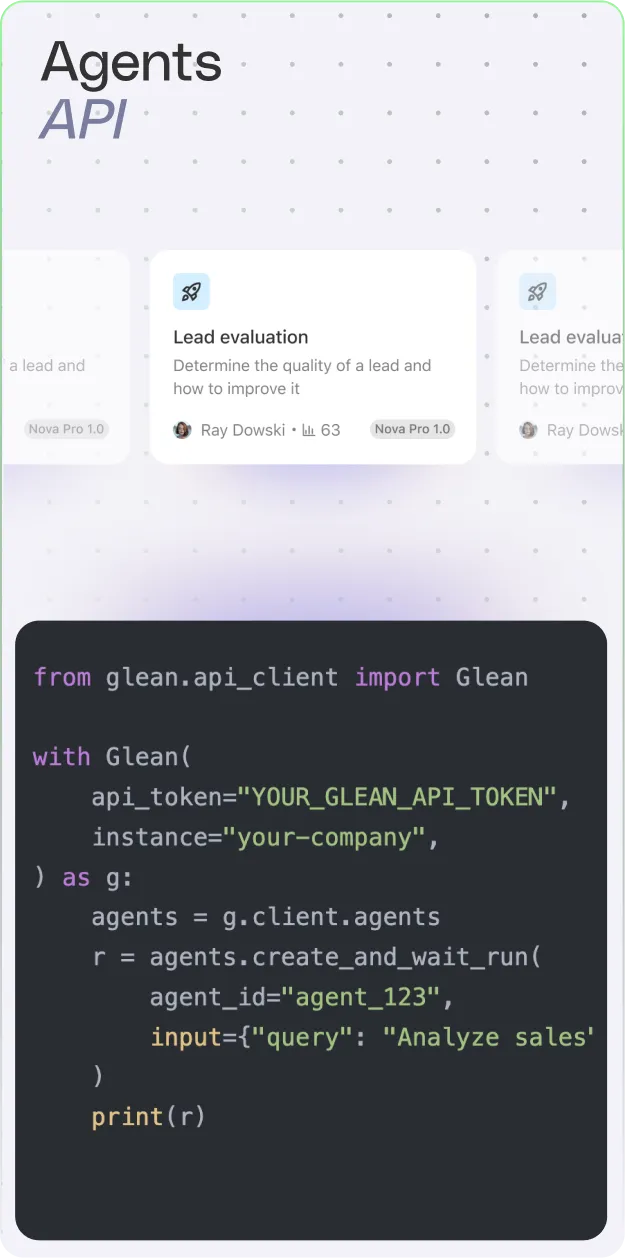
Search API interface showing a search for 'Q2 Inventory Planning' with a Google doc result and example Python code using Glean API to query 'vacation policy'.Screenshot of a Chat API code snippet showing Python code importing Glean, initializing with an API token and instance, creating a chat with a message to summarize Q4, and printing the response.Screenshot of 'Agents API' with a card titled Lead evaluation and example Python code using Glean API client to create and run an agent with a query input.
Colorful abstract wave with a smooth gradient transitioning from yellow and green to blue and purple.